
Table of Contents
Paisa X Go Deposit Methods
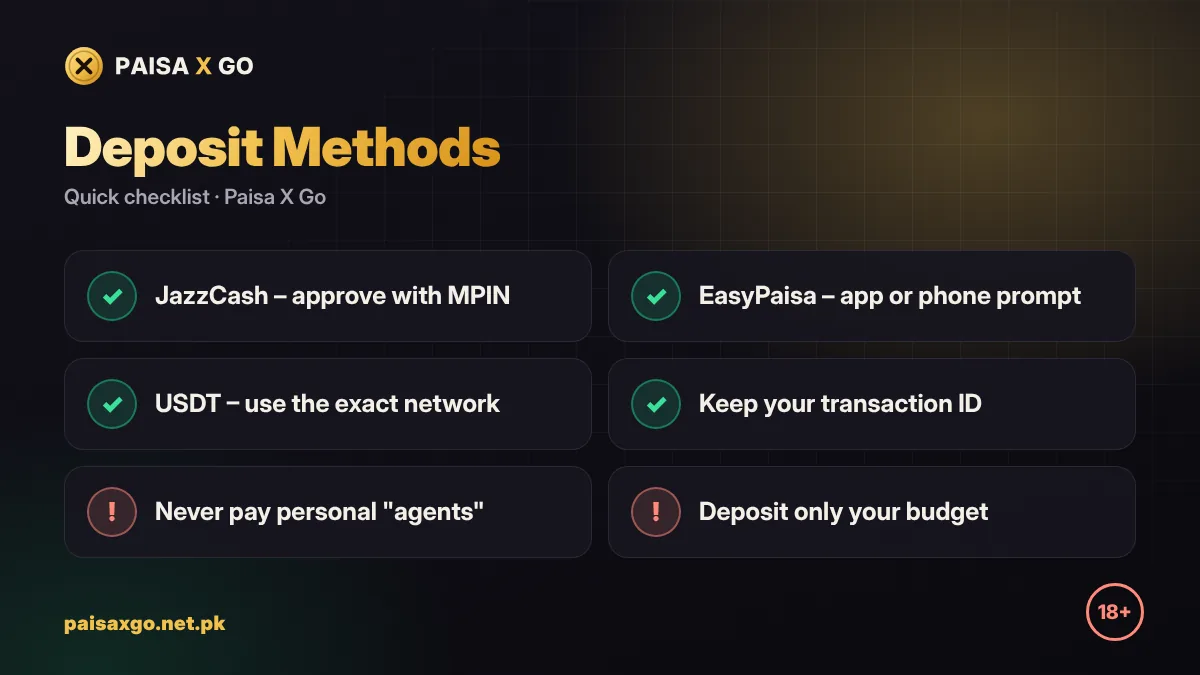
| Method | Best for | Good to know |
|---|---|---|
| JazzCash | Most players in Pakistan | Approve with your JazzCash MPIN; keep the SMS receipt. |
| EasyPaisa | Telenor and EasyPaisa users | Works from the EasyPaisa app or USSD prompt. |
| USDT | Players who already use crypto | Send only on the network shown in the app; wrong networks can lose funds. |
How to Deposit with JazzCash
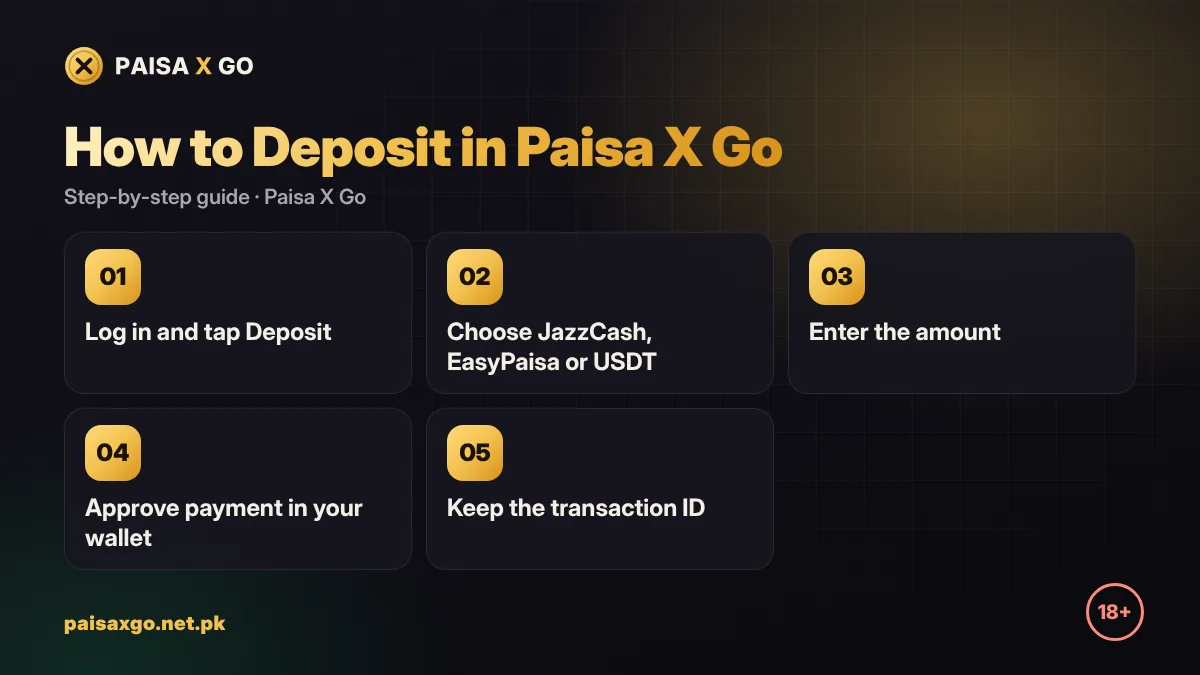
- Log in to Paisa X Go and tap Deposit.
- Select JazzCash.
- Enter or choose the amount (start with a small amount).
- Follow the payment page: enter your JazzCash number and approve with your MPIN when asked.
- Wait for the confirmation SMS from JazzCash.
- Return to the app; the balance normally updates within a few minutes.
How to Deposit with EasyPaisa
- Tap Deposit and choose EasyPaisa.
- Enter the amount you want to add.
- Complete the payment in the EasyPaisa app or approve the prompt on your phone.
- Save the transaction ID shown on the receipt.
- Check your Paisa X Go wallet for the new balance.
How to Deposit with USDT
- Tap Deposit and choose USDT.
- Copy the wallet address and note the network shown in the app.
- Send USDT from your exchange or wallet using exactly that network.
- Wait for network confirmations; the balance updates after the transfer is confirmed.
First Deposit Bonus
Paisa X Go often adds a percentage bonus on your first deposit and sometimes on later deposits during promotions. The bonus amount and its wagering terms are shown in the Promotions tab. Never deposit more than your budget just to unlock a bigger bonus.
Deposit Not Received? What to Do
- Wait 10–15 minutes; wallet networks are sometimes slow.
- Check that money was actually deducted (SMS or wallet history).
- Take a screenshot of the receipt with the transaction ID.
- Open live chat in the app and share your user ID, amount, time and transaction ID.
- Do not send the same payment again while the first one is being checked.
Safe Deposit Tips
- Decide a weekly gaming budget and never go above it.
- Deposit only through the in-app deposit page — never to personal numbers shared by "agents".
- Test a small withdrawal before adding larger amounts.
- Do not use money meant for bills, fees or family expenses.
Frequently Asked Questions
Which payment methods can I use to deposit in Paisa X Go?
Paisa X Go supports JazzCash, EasyPaisa and USDT for deposits.
How long does a Paisa X Go deposit take?
JazzCash and EasyPaisa deposits usually show within a few minutes. USDT depends on network confirmations.
What is the minimum deposit in Paisa X Go?
The minimum amount is shown on the deposit page in the app and can change with promotions.
My money was deducted but not added. What should I do?
Wait 10–15 minutes, then contact live chat with your user ID and transaction ID. Do not pay again.
Is there a bonus on the first deposit?
Paisa X Go often offers a first deposit bonus. Check the Promotions tab for the current offer and its wagering terms.