
Table of Contents
Is There a Paisa X Go iOS App?
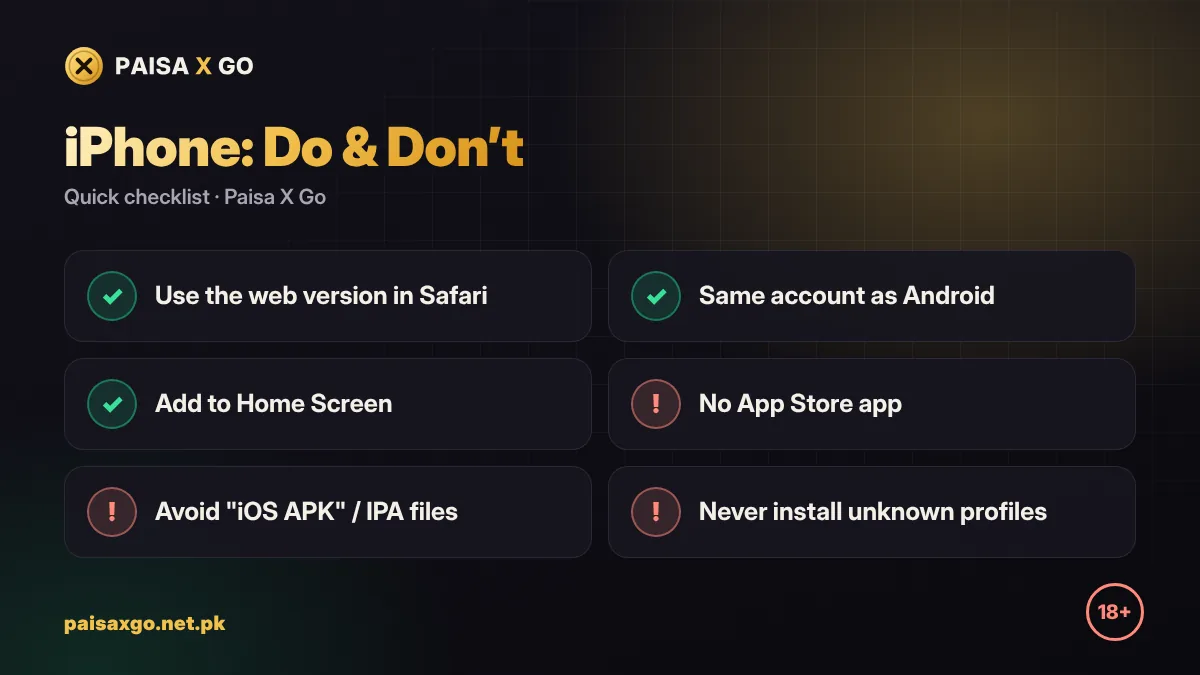
No. There is no Paisa X Go app on the Apple App Store, and Apple does not allow APK files to be installed on iPhone or iPad. Any website offering a "Paisa X Go iOS APK" or an IPA file for download should be treated as fake.
The good news: if the official link opens a web version, it works in Safari just like an app, with the same account and balance as Android.
How to Play Paisa X Go on iPhone (Web Version)
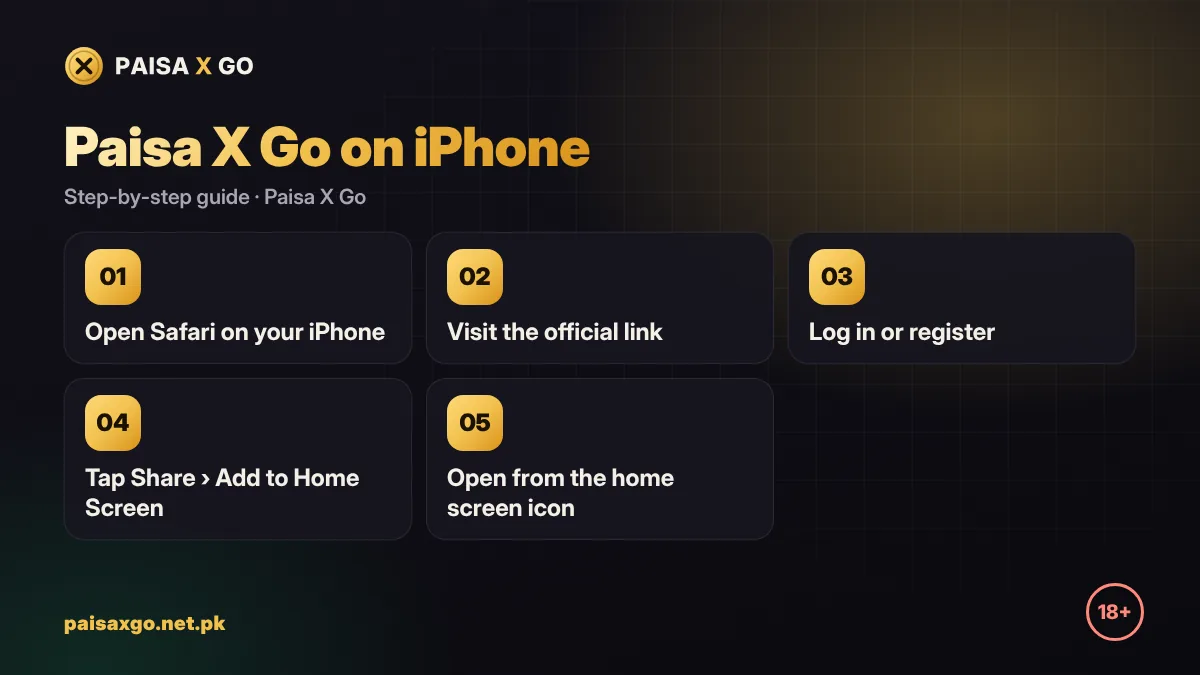
- Open Safari on your iPhone.
- Go to paisaxgo.net.pk and tap the official Register or Login button.
- If you are new, create an account with your mobile number and OTP.
- If you already have an account, log in with the same number and password you use on Android.
- Allow pop-ups for the site if a game window does not open.
- Use a stable Wi-Fi or 4G connection for smooth play.
Add Paisa X Go to Your iPhone Home Screen
- Open the official Paisa X Go web page in Safari.
- Tap the Share button (square with an arrow).
- Scroll down and tap Add to Home Screen.
- Tap Add. A Paisa X Go icon now opens the site in one tap.
Avoid Fake Paisa X Go iOS Downloads
- Never install a "configuration profile" to get a game — it can give a stranger control over your phone's settings.
- Do not pay for "TestFlight access" or a "Paisa X Go iOS version".
- Ignore sites asking you to complete surveys or install other apps to "unlock" the iOS download.
- Use only the official link and never share your OTP.
iPhone vs Android: What Is Different?
| Feature | Android | iPhone |
|---|---|---|
| How to play | Install the APK | Web version in Safari |
| Same account | Yes | Yes |
| JazzCash / EasyPaisa | Yes | Yes |
| Home screen icon | App icon | Add to Home Screen |
| Updates | Install new APK | Automatic (web) |
Android users can follow the Paisa X Go APK download guide, and laptop users can read Paisa X Go for PC.
Frequently Asked Questions
Can I download Paisa X Go on iPhone?
There is no App Store app and APKs do not work on iOS. Use the web version in Safari if the official link offers it.
Is a Paisa X Go iOS APK or IPA safe?
No. These files are fake or unsafe. Apple devices cannot install APKs, and unknown IPA files or profiles can be dangerous.
Can I use my Android Paisa X Go account on iPhone?
Yes. Log in on the web version with the same mobile number and password.
How do I put Paisa X Go on my iPhone home screen?
Open the official page in Safari, tap Share, then Add to Home Screen.
Do deposits and withdrawals work on iPhone?
Yes. JazzCash and EasyPaisa payments work through the web version the same way as on Android.