
Table of Contents
Paisa X Go Login Steps
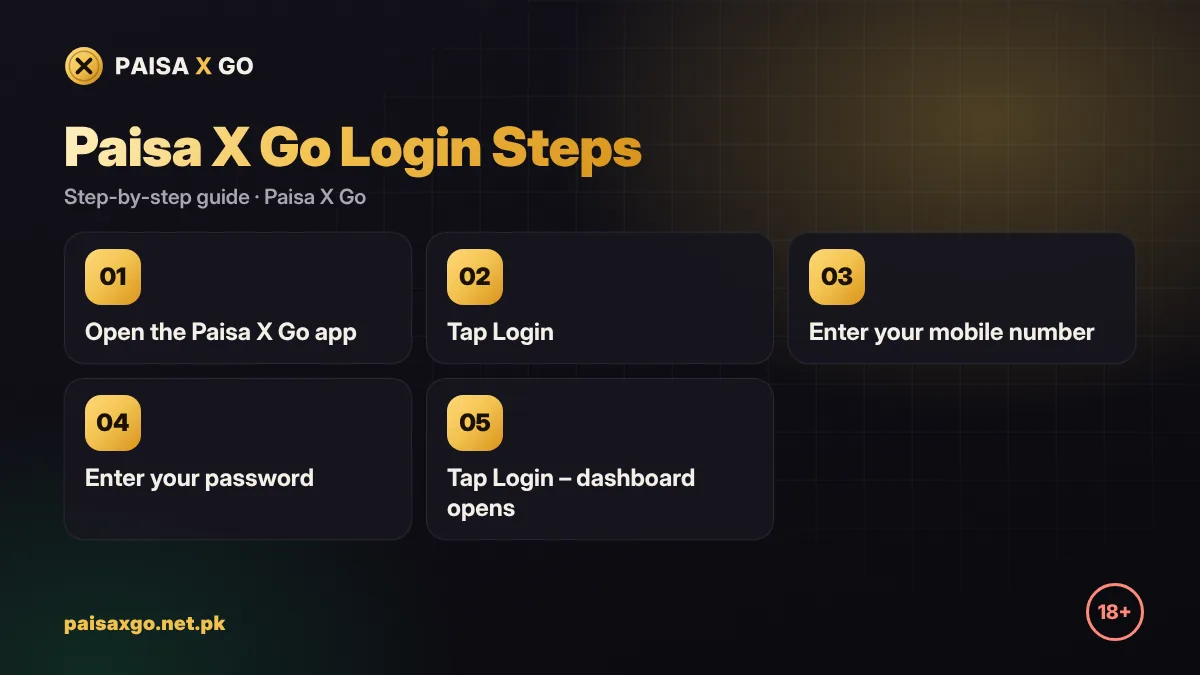
- Open the Paisa X Go app on your Android phone.
- Tap Login on the main screen.
- Enter the mobile number you used for Paisa X Go registration.
- Enter your password. Check that Caps Lock or auto-capital is not changing letters.
- Turn on Remember me only if this is your personal phone.
- Tap Login. Your dashboard, balance and games open.
Paisa X Go Online Login (Web Version)
If the official link offers a web version, you can also log in from a browser on a laptop or iPhone. Use the same mobile number and password as the app. Bookmark the official link instead of searching every time, because copy sites with similar names try to collect passwords.
Forgot Your Password? Reset It
- Open the app and tap Login.
- Tap Forgot Password.
- Enter your registered mobile number.
- Enter the OTP sent by SMS.
- Create a new password and confirm it.
- Log in with the new password.
Paisa X Go Login Problems and Solutions
| Problem | Solution |
|---|---|
| "Incorrect password" | Retype carefully or use Forgot Password to set a new one. |
| "Account does not exist" | Check the number. If you never registered, create an account first. |
| OTP not received | Check signal, wait 60 seconds and tap Resend. Make sure SMS inbox is not full. |
| App asks for update / login button not working | Install the Paisa X Go APK latest version over the old one. |
| Network error | Switch between Wi-Fi and mobile data, then try again. |
| Account locked | Too many wrong attempts. Wait, then contact live chat support with your user ID. |
| Logged out again and again | Clear the app cache and make sure the phone's date and time are set to automatic. |

Login Safety Tips
- Never share your password or OTP with anyone, including people claiming to be support agents.
- Do not log in through links sent in random WhatsApp or Telegram messages.
- Change your password if you think someone else used your account.
- Log out after playing on a shared phone or laptop.
Paisa X Go Login in Pakistan: After You Sign In
From the dashboard you can claim daily login rewards, deposit funds, enter a redeem code or withdraw winnings. Set a time and money limit before you open any game.
Frequently Asked Questions
How do I log in to Paisa X Go?
Open the app, tap Login, enter your registered mobile number and password, then tap Login.
I forgot my Paisa X Go password. What should I do?
Tap Forgot Password on the login screen, enter your number, verify the OTP and set a new password.
Can I log in to Paisa X Go on two phones?
You can log in on another device with the same number and password, but avoid sharing your account with other people.
Why is my Paisa X Go account locked?
Accounts are usually locked after many wrong password attempts or suspicious activity. Contact live chat support to verify and unlock it.
Is there a Paisa X Go online login?
If the official link provides a web version, you can log in from a browser with the same mobile number and password.