
Table of Contents
What You Need Before You Register
- An Android phone with the Paisa X Go APK installed.
- An active SIM that can receive SMS for the OTP code.
- Ideally the same number you use for JazzCash or EasyPaisa — it makes withdrawals simpler.
- You must be 18 years or older.
How to Register on Paisa X Go
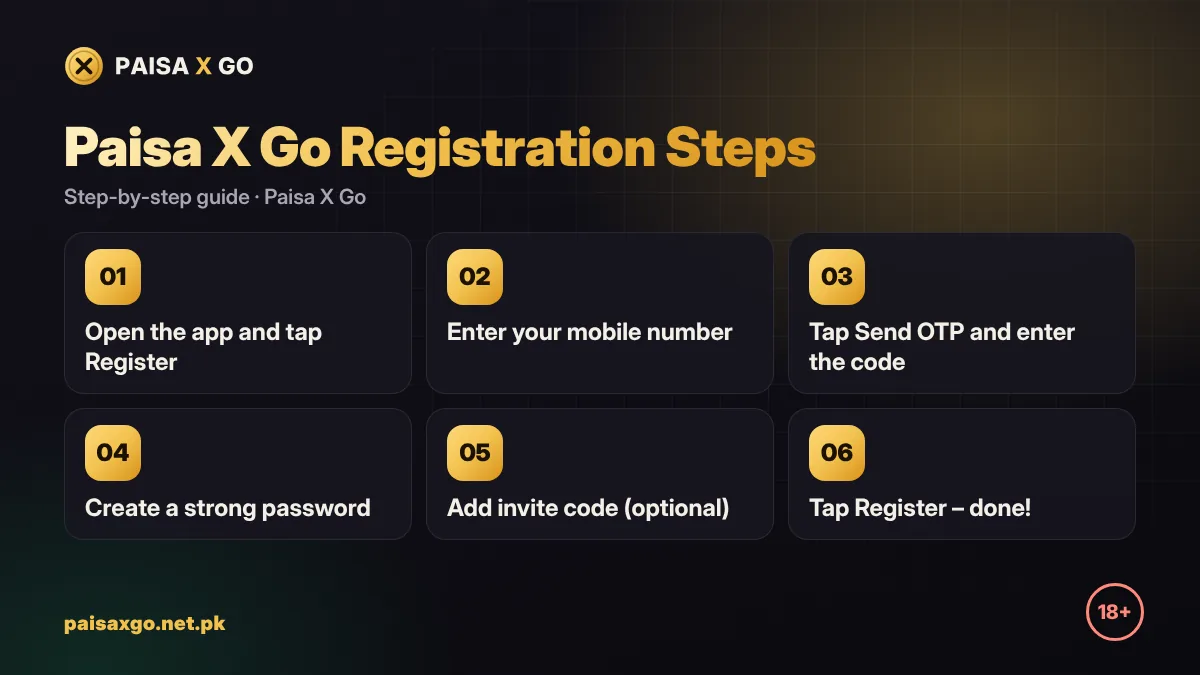
- Open the Paisa X Go app on your phone.
- Tap Register or Sign Up on the first screen.
- Enter your mobile number without the first zero if the app shows +92 already (for example 3XX XXXXXXX).
- Tap Send OTP and wait for the SMS.
- Type the 4–6 digit OTP into the box. It expires in a few minutes, so enter it quickly.
- Create a password of at least 8 characters with letters and numbers.
- Type the password again to confirm it.
- Enter an invite or referral code if a friend gave you one (optional).
- Tap Register. You are now logged in to your new Paisa X Go account.
Paisa X Go Invite and Referral Code
The invite code box is optional. If a friend shares their Paisa X Go invite code, entering it links your account to theirs so they can receive a referral reward. Leaving it empty does not stop you from registering or claiming the normal welcome bonus.
Claim the Welcome Bonus
New accounts usually get a sign-up bonus after registration, sometimes after you complete your profile or make a first deposit. Open the Promotions or Bonus tab after logging in to see the current offer. Every bonus has terms, such as wagering the amount a set number of times before it can be withdrawn, so read them before you play.
Registration Problems and Fixes
| Problem | Fix |
|---|---|
| OTP not received | Check signal and SMS inbox, wait 60 seconds, then tap Resend OTP. Make sure the number is typed correctly. |
| "Number already registered" | You already have an account. Use Paisa X Go login or Forgot Password. |
| Invalid invite code | Check capital and small letters, or leave the box empty. |
| Register button not working | Update to the latest APK and check your internet connection. |
| App closes during sign-up | Clear the app cache or reinstall the latest version. |
Keep Your New Account Safe
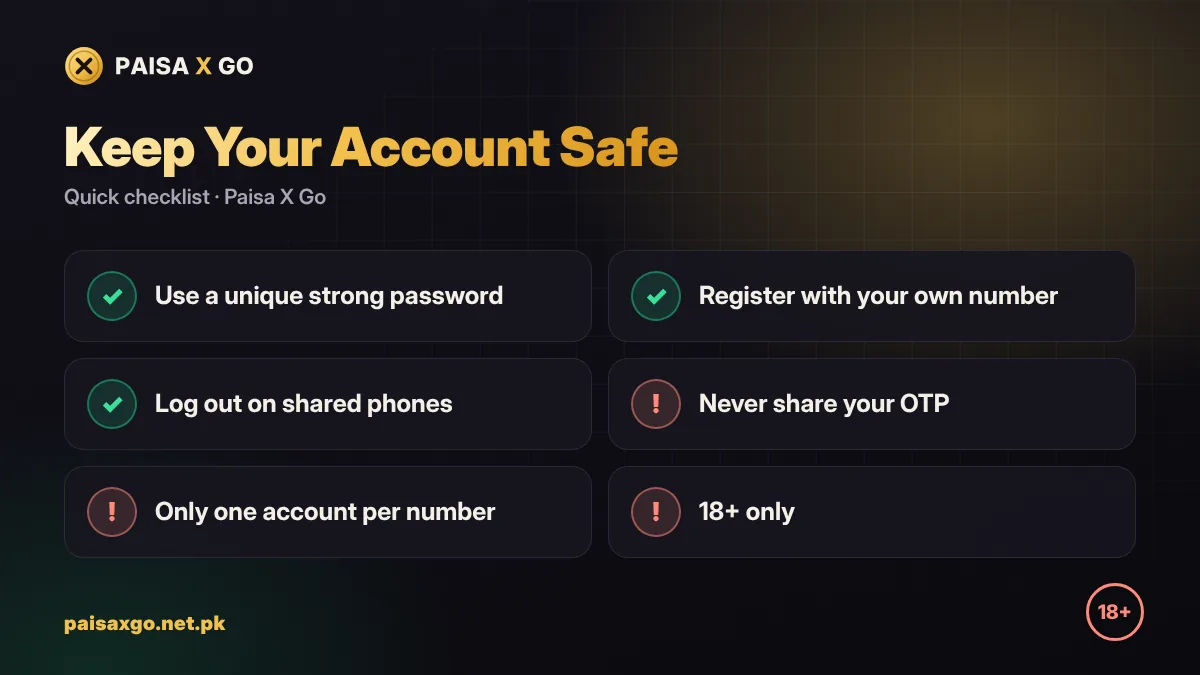
- Use a password you do not use for WhatsApp, email or banking apps.
- Never share your OTP — Paisa X Go support will never ask for it.
- Do not create multiple accounts; duplicate accounts can be blocked.
- Log out if you use a shared or family phone.
Next Steps After Registration
Once your account is ready, learn how to deposit with JazzCash or EasyPaisa, check for a Paisa X Go redeem code, and set a fixed budget before you play any real-money game.
Frequently Asked Questions
Can I register on Paisa X Go without a mobile number?
No. Paisa X Go uses your mobile number and an SMS OTP to create and protect your account.
Is Paisa X Go registration free?
Yes, creating an account is free. A deposit is only needed if you want to play with real money.
Can I use one number for two Paisa X Go accounts?
No. Each mobile number can be linked to one account, and duplicate accounts can be blocked.
Do I need an invite code to register?
No. The invite code is optional. You can leave the box empty and still register.
What is the minimum age to register on Paisa X Go?
You must be 18 years or older to register and play real-money games on Paisa X Go.